Nail try-on
Found your look? See it on your hand.
Bring a nail photo you love and preview an AI interpretation on your own hand. Explore the idea before your next salon visit.
How it works
Choose your inspiration
Pick a saved design, an Explore look or a reference photo.
Add your hand photo
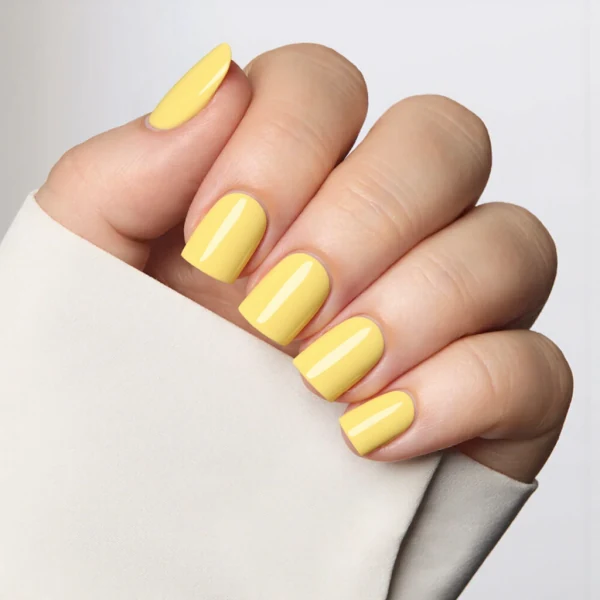
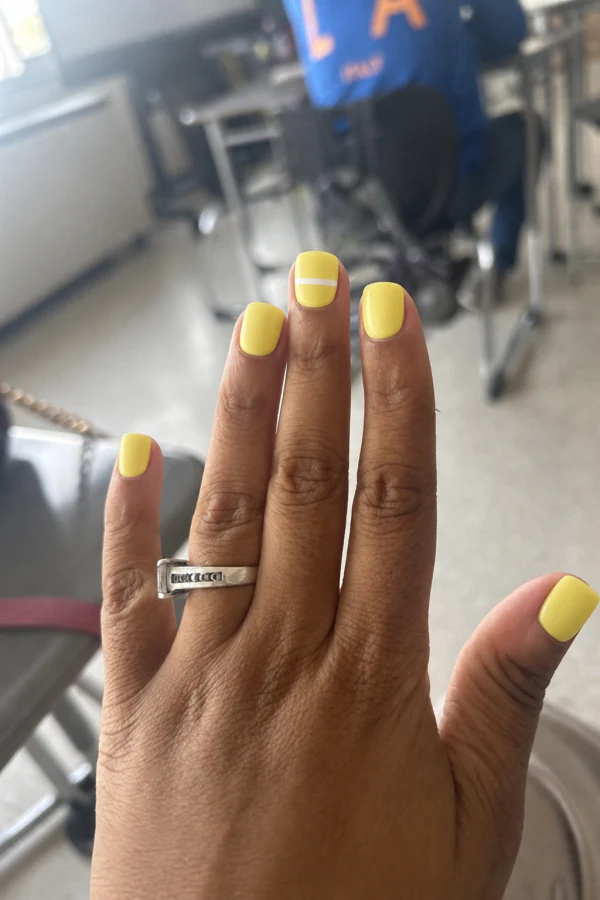
Use a well-lit image with your nails clearly visible.
Preview the look
Review the result and keep the version you want to show your nail artist.
From inspiration to something personal.
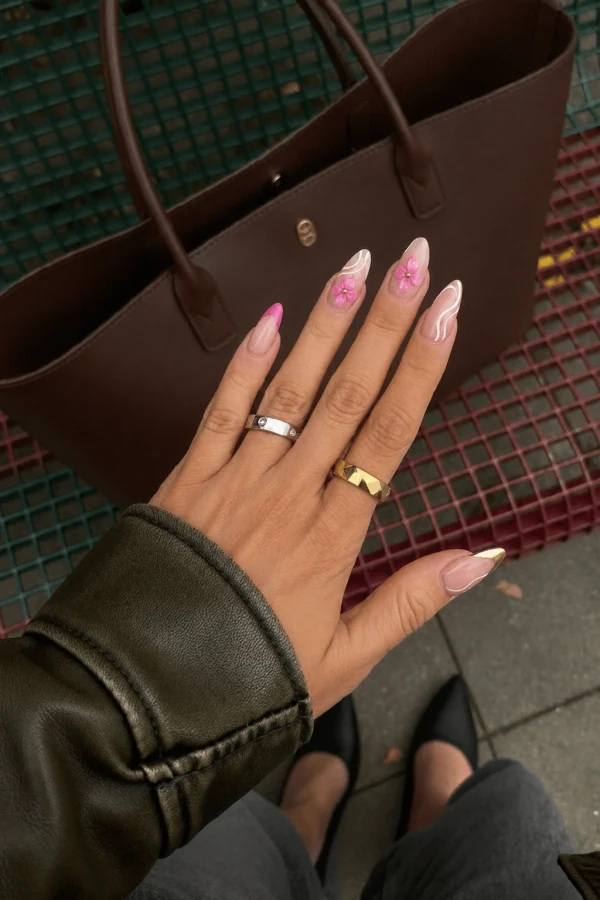
Bring the photo that caught your eye
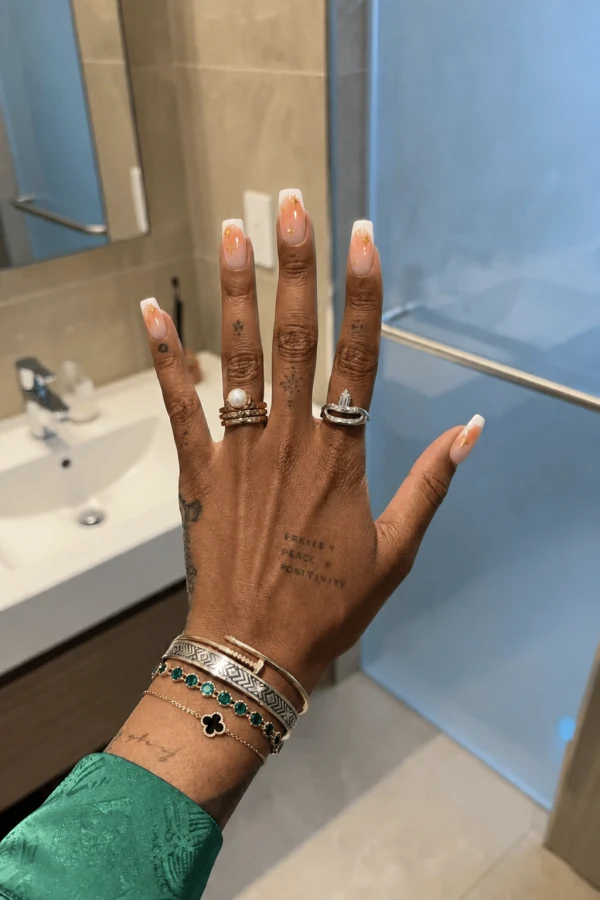
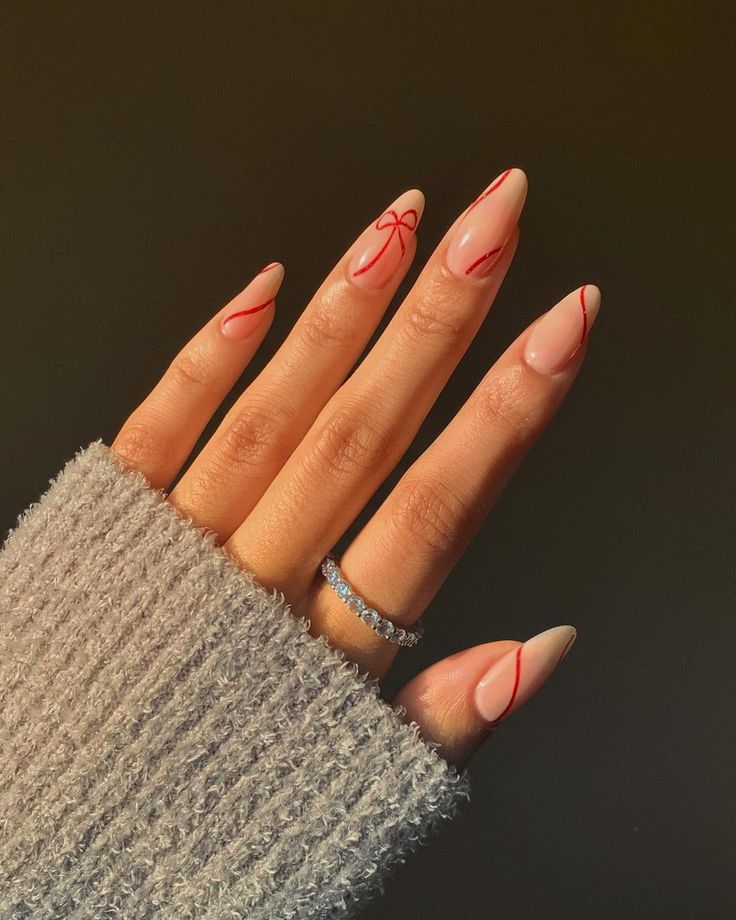
Start with a design from your own photos or one you discovered in Explore. The reference guides the colors and nail art.
Picture it on your own hand
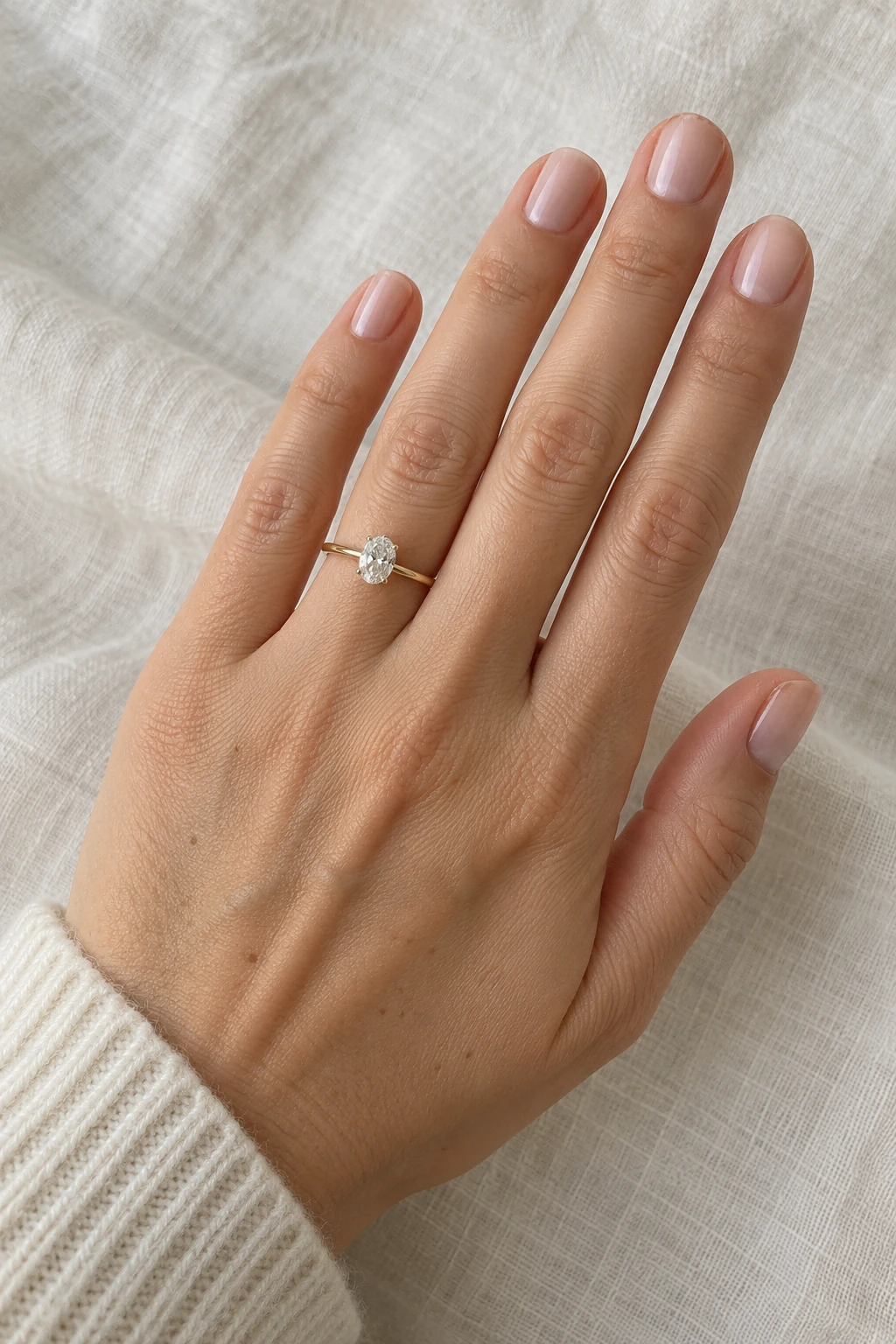
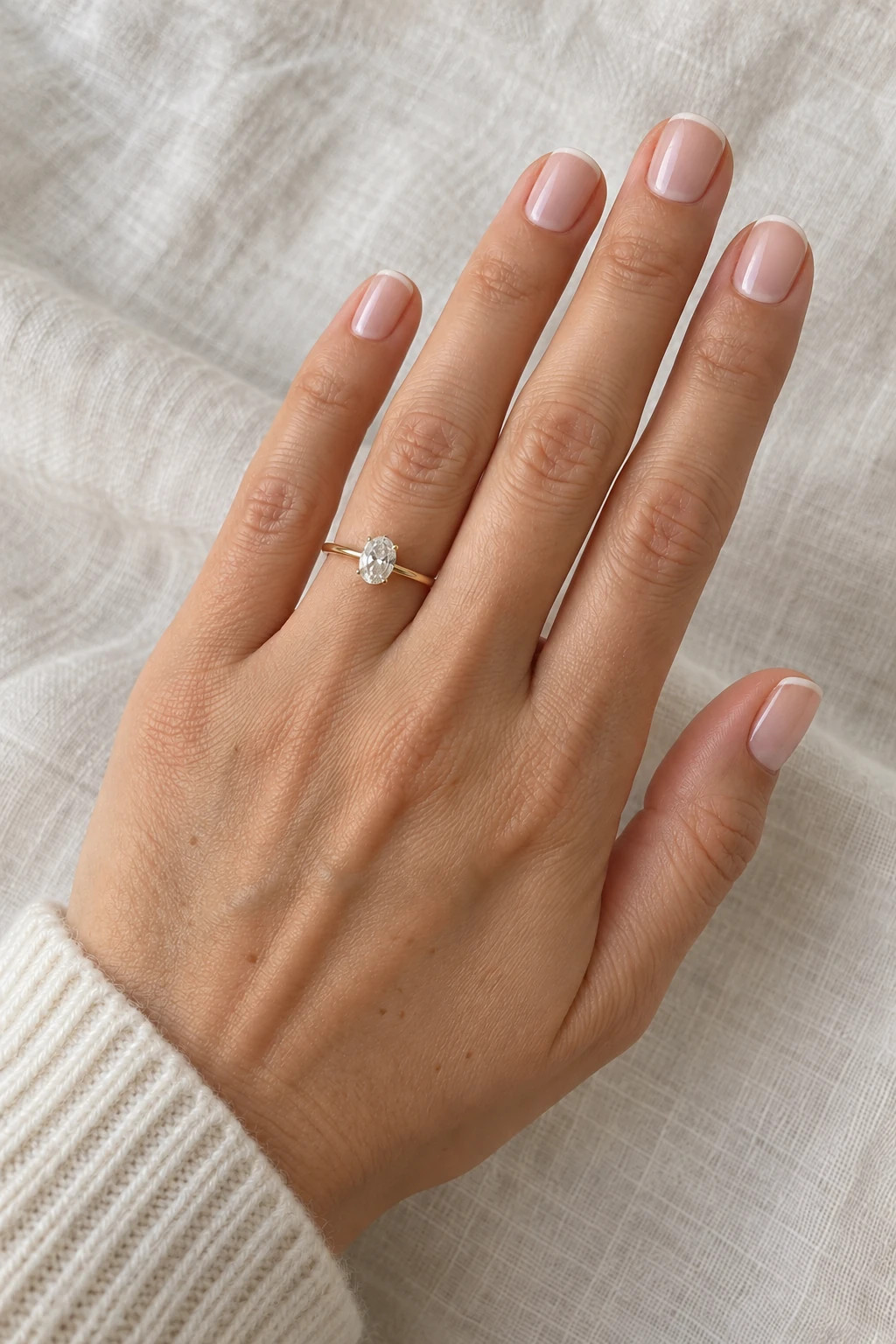
A personal photo helps you see the overall mood of the manicure on your hand before choosing your next look.
Compare the important details
Review the color, pattern and proportions. AI can interpret small details differently, so treat the result as a design reference.
A few things to know
Can I upload my own reference?
Yes. The app lets you upload a nail reference photo and choose a separate photo of your hand.
Is this a live camera filter?
It creates an AI image from your reference and hand photos. You review the generated result after it is ready.
Can I use a design I saved?
Yes. The design picker includes your designs, Explore and saved collections.