Mix & Create
Five nails. Your own combination.
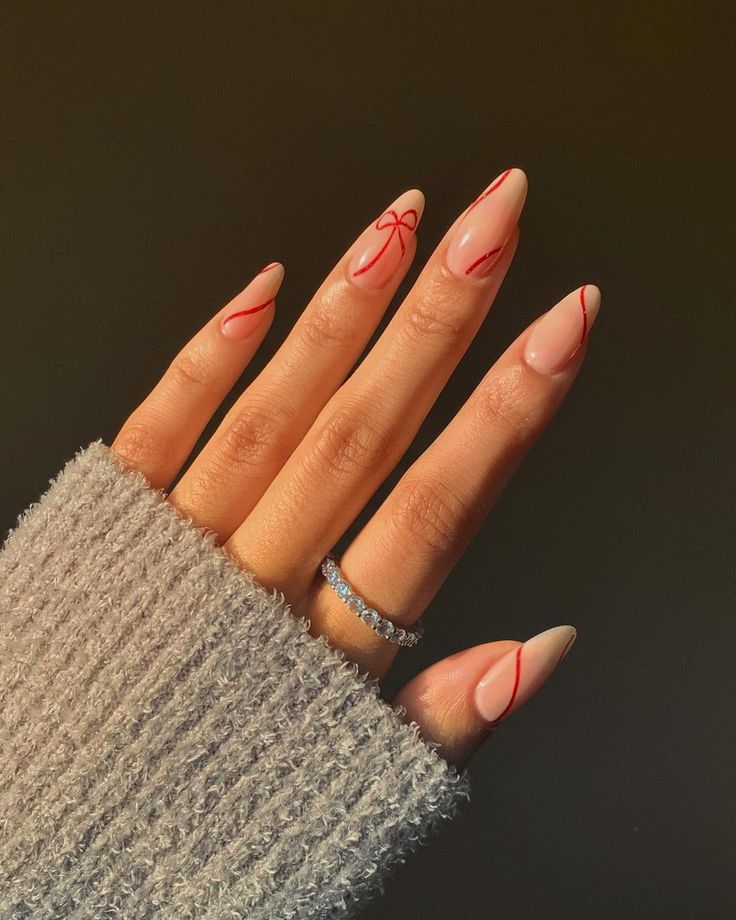
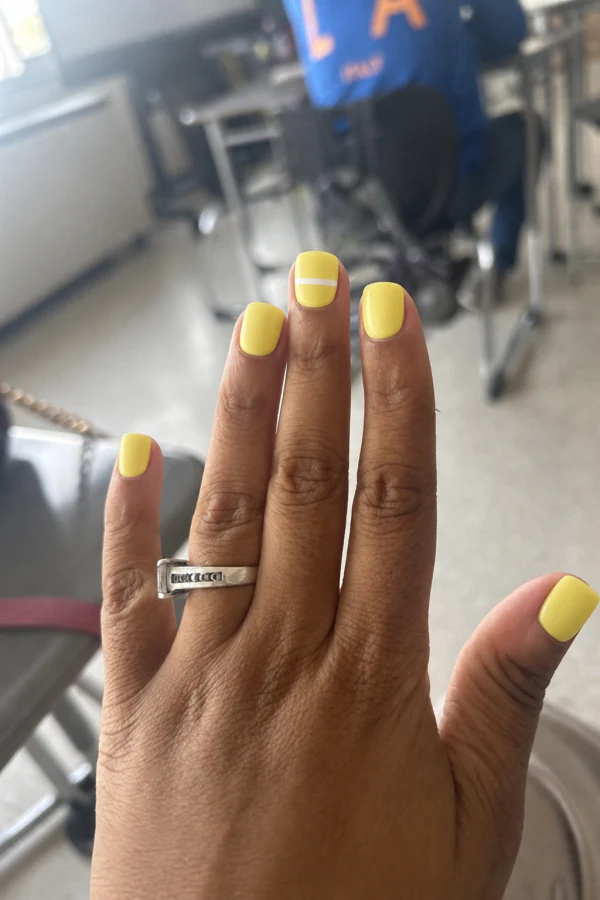
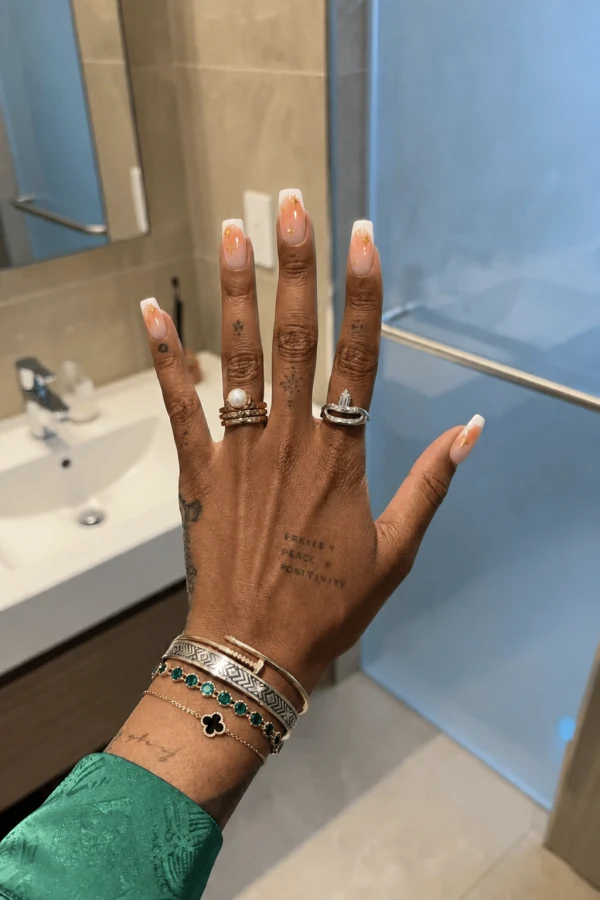
Take a French tip from one look, flowers from another, and make the accent nail yours. Build a set finger by finger, then try the mix on your hand.
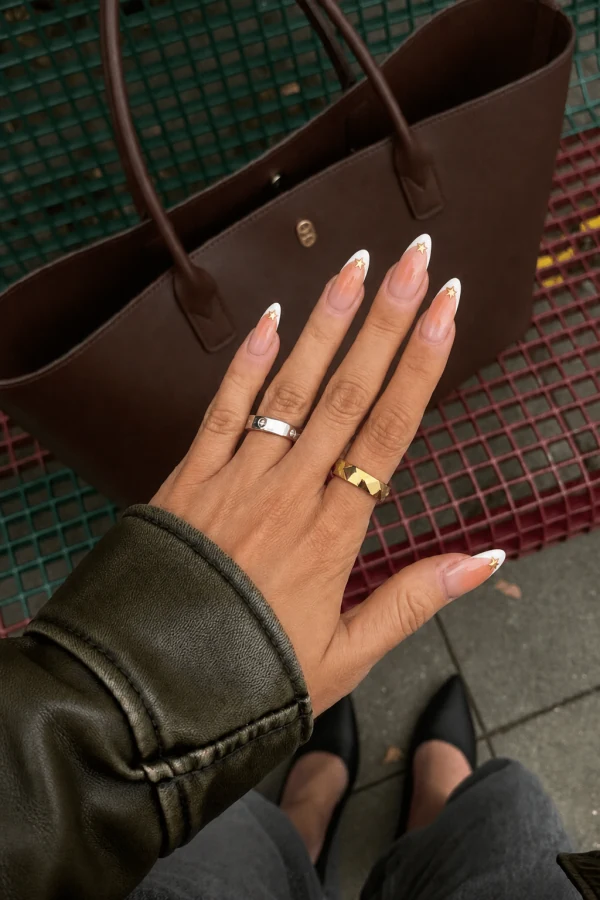
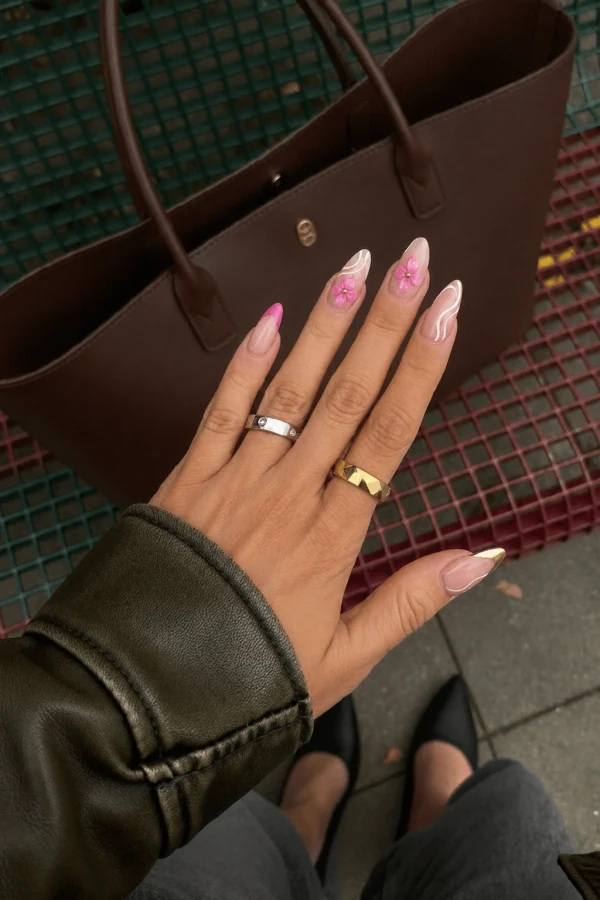
How it works
Choose a finger
Start with any nail on the hand canvas.
Pick and crop a design
Choose from your designs, Explore or a collection, then crop the detail you want.
Save and try on
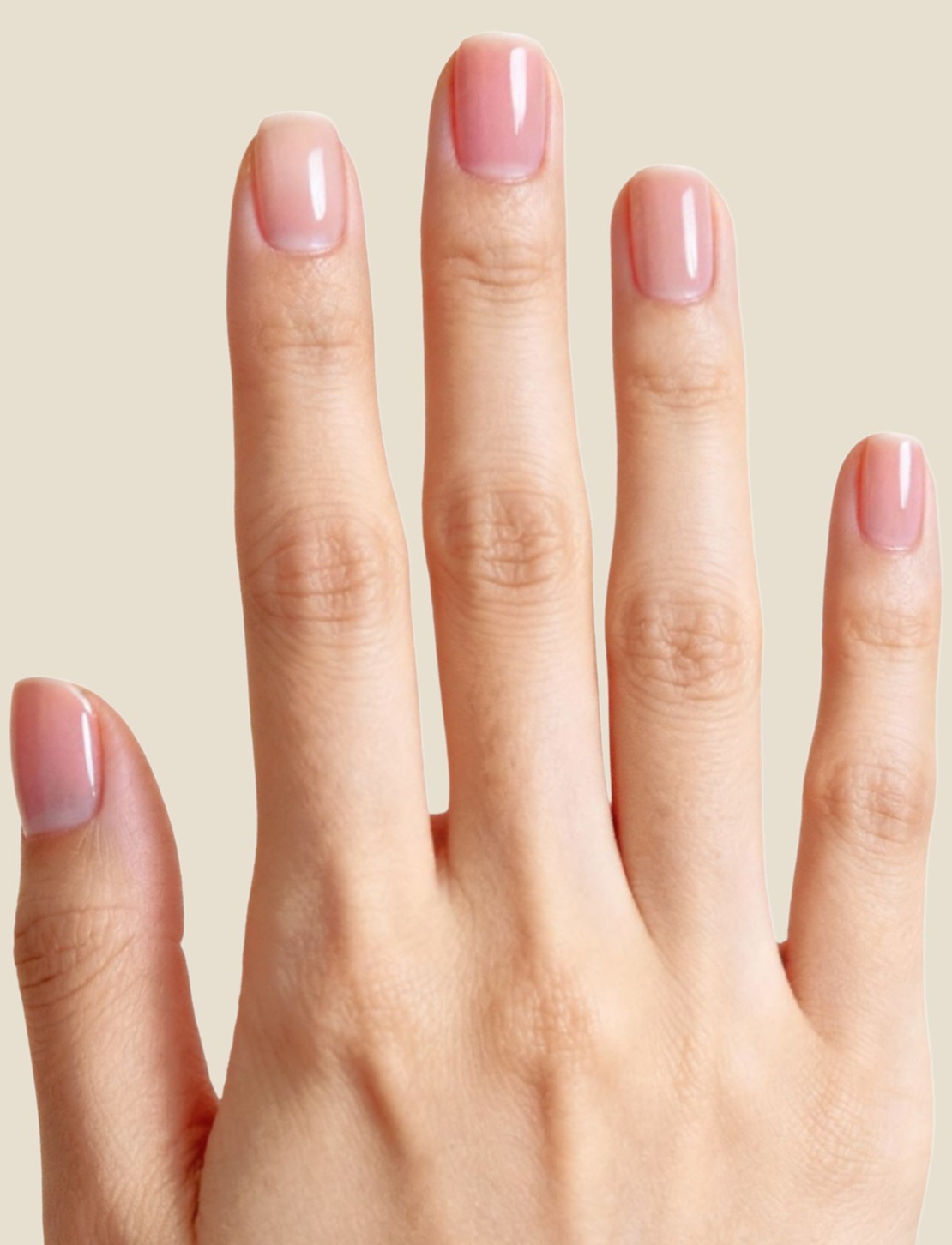
Name your mix, save the arrangement and choose a hand photo to see the finished idea.
A set with your signature on it.
Choose each nail individually
Repeat a favorite look across the set or give each finger a different design. Change one slot without rebuilding the whole mix.
Keep the detail you love
Crop the part of a reference that matters: a floral accent, a French tip or a small motif. Rotate the crop when needed.
Keep the arrangement for later
Save your mix with a name you recognize. Reopen it to edit the choices or generate a version on a hand photo.
A few things to know
Can each finger use a different design?
Yes. The mix has separate slots for the thumb, index, middle, ring and little finger.
Where do the designs come from?
Choose from your own designs, Explore or a collection. Collections also let you add photos from your gallery.
Is the hand canvas the finished AI image?
The canvas is your arrangement of cropped references. After saving, choose a hand photo to generate a try-on of the mix.