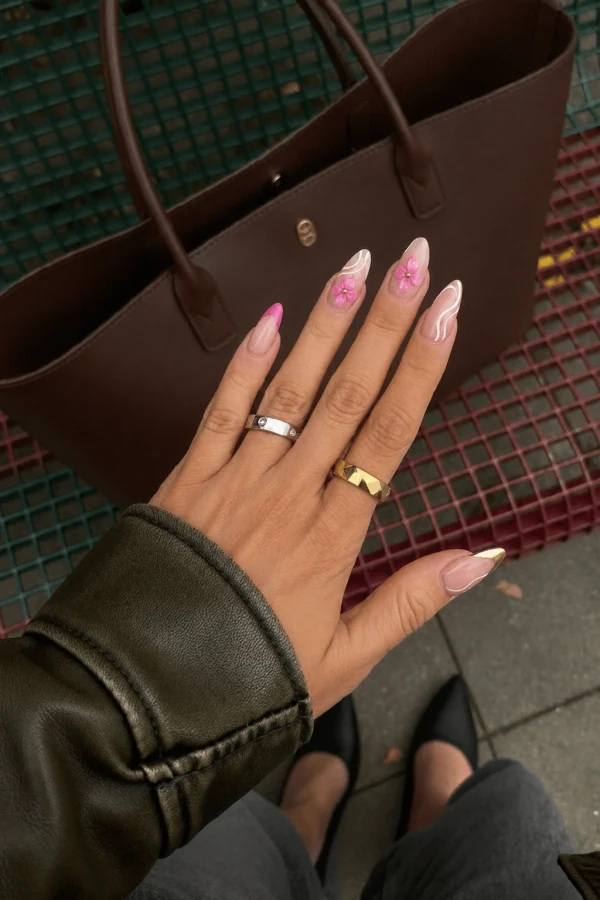
Nail photo editor
Love the photo. Touch up the nails.
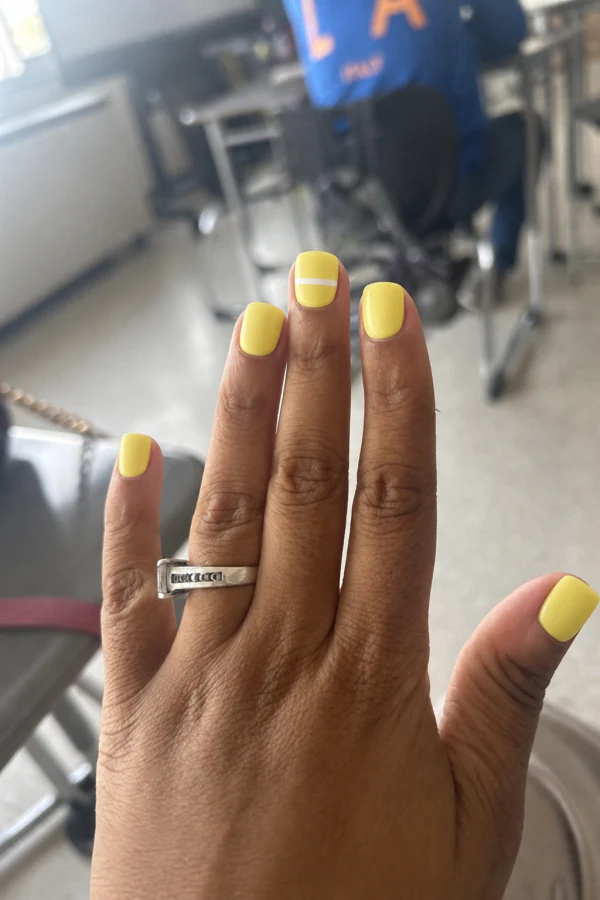
A chipped tip or an unfinished manicure doesn’t have to distract from a favorite photo. Mark the nails you want to edit and describe the finish.
How it works
Choose the photo
Open a photo with the nails you want to touch up.
Mark the nails
Use the brush to cover the nails and the eraser to tidy the selection.
Describe and review
Ask for a natural finish, fresh polish or a new detail. Review the result before saving.
Keep the focus on the moment.
Guide the edit with a selection
Paint carefully over the nails you want to change. Keep skin, jewelry and other details outside the marked area.
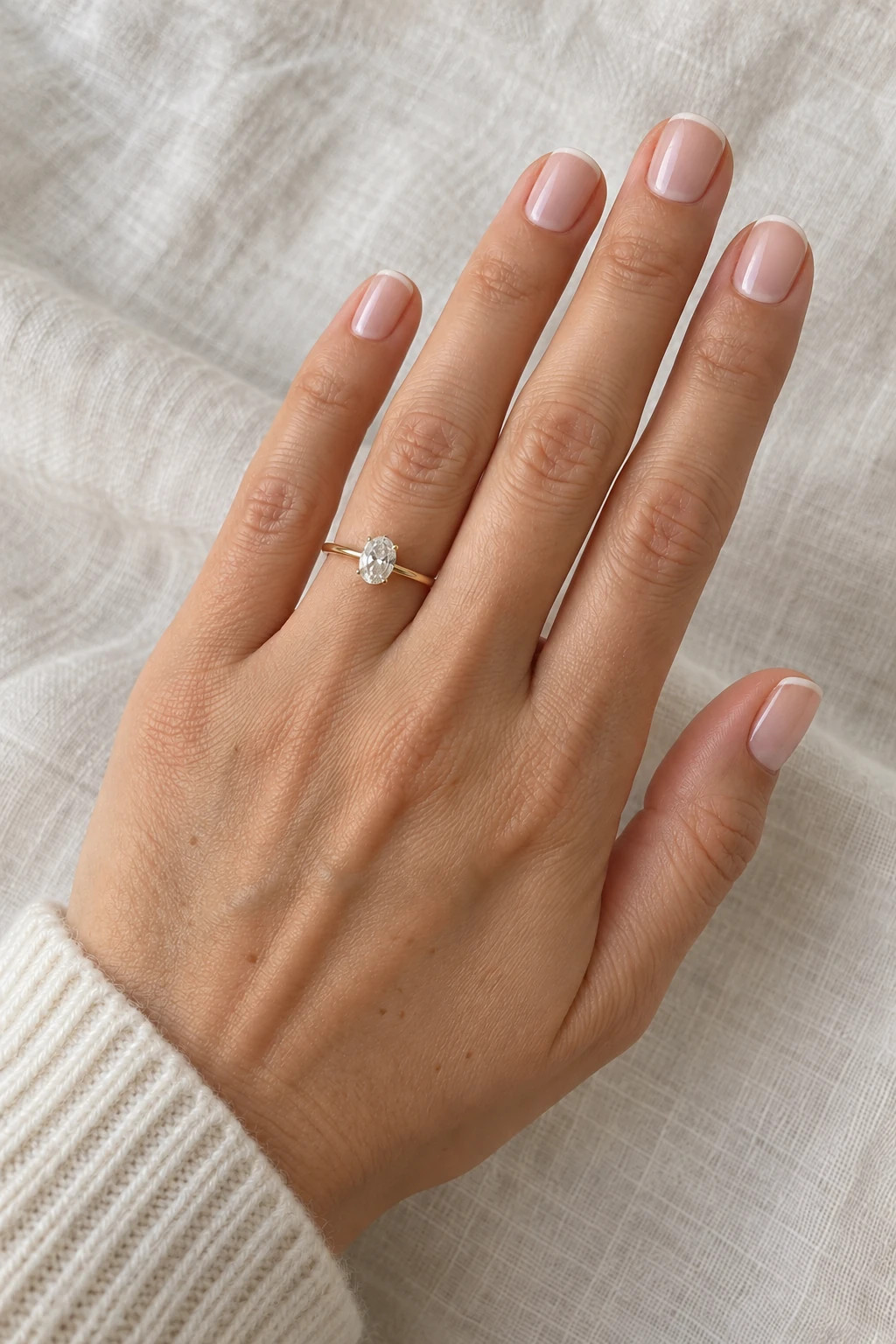
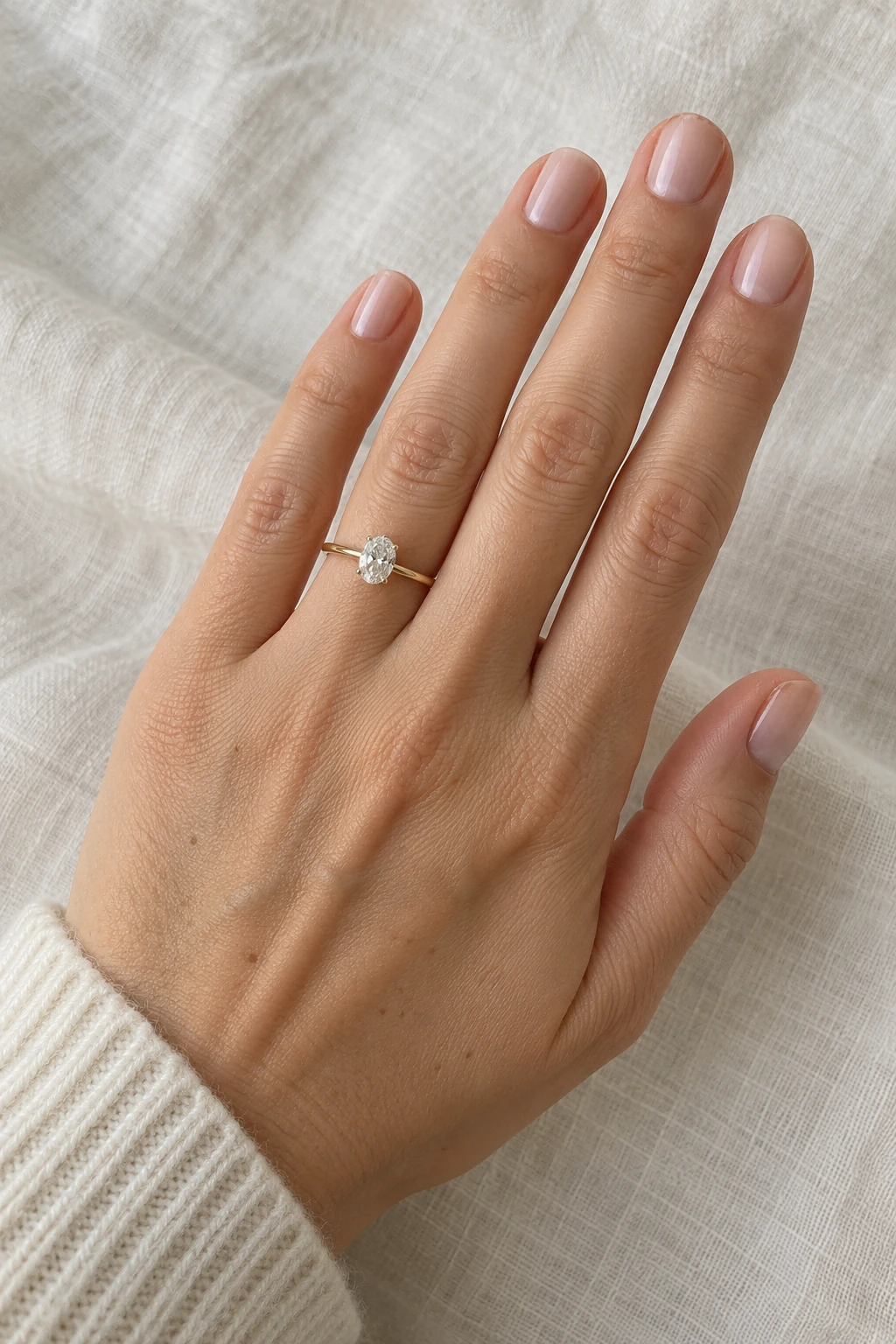
Choose the finish
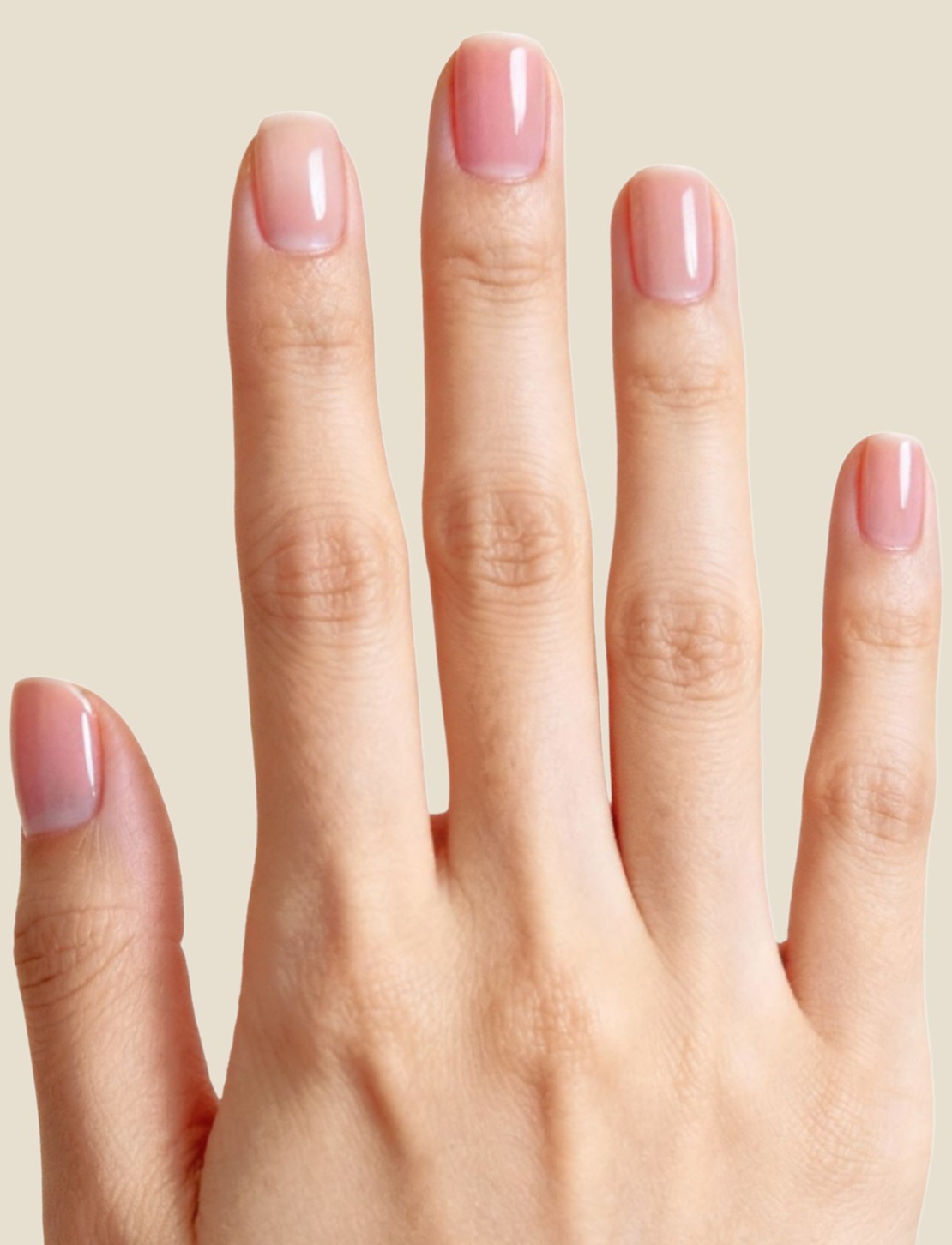
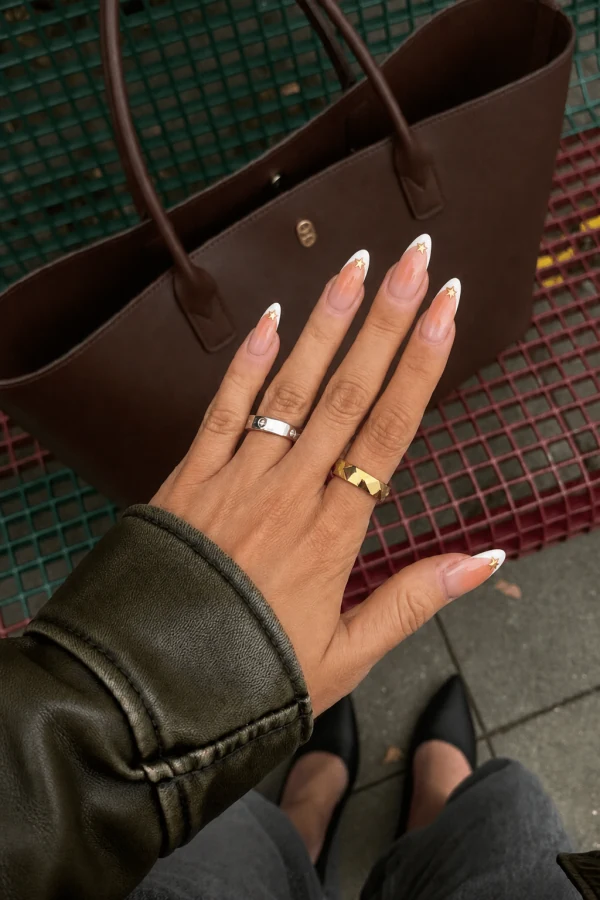
Describe a subtle nude manicure, a glossy topcoat or a clean French tip. A specific request makes your intended change easier to understand.
Use it for the photos you keep
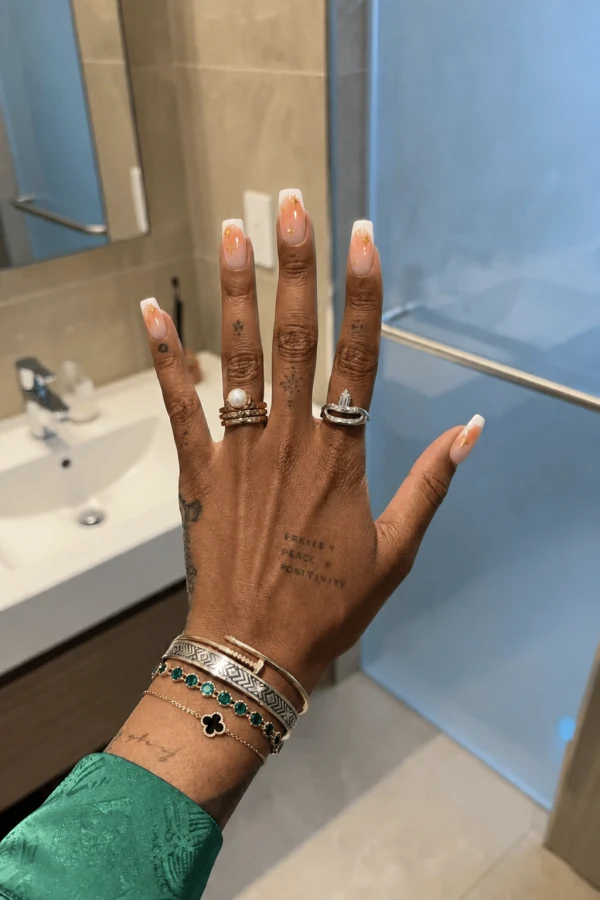
Try a touch-up on an engagement photo, a close-up or an everyday favorite. Check the surrounding details as well as the nails in the result.
A few things to know
Can I edit just one nail?
Yes. Mark the nail you want to change rather than covering the whole hand.
Will my ring and skin stay the same?
The selection guides the edit toward the nails. AI may still change nearby details, so leave jewelry outside the selection and check the finished image.
Can I use it for an engagement photo?
Yes. Our engagement photo page shows the same editing approach for ring photos.