
AI Nail Color Matching: Match Shades to Your Skin Tone
AI Nail Color Matching: Match Shades to Your Skin Tone
How AI Nail Color Matching Works
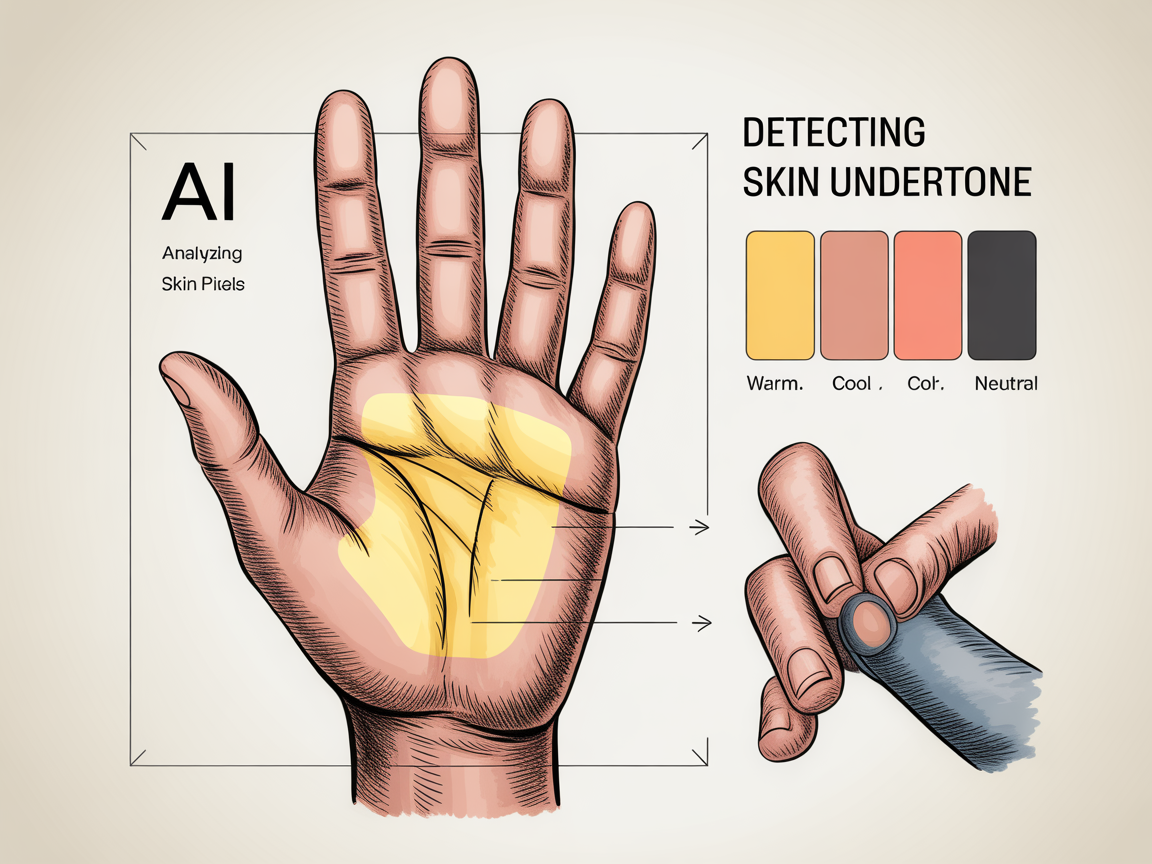
AI nail color matching starts with a clear photo of your hand. The algorithm analyzes skin pixels, vein visibility, and color contrasts to estimate undertone and the best shade families. This first step ensures recommendations are grounded in your unique coloring.
AI systems use machine learning models trained on thousands of hand images with labeled undertones and polish outcomes. They learn subtle correlations—how certain pigments read near knuckles, how veins influence adjacent hues, and how nail bed translucency alters opacity.
By factoring common variables like skin texture and natural pigmentation, AI nail color matching aims to produce previews that resemble real-world polish on your nails.
Ethical training and diverse datasets are important. Good AI models are validated across a wide range of skin tones to avoid biased recommendations. Many platforms also allow users to give feedback, improving future nail color matching accuracy for similar profiles.
Privacy is another consideration. Photos should be processed securely and, where possible, locally on-device. Check app permissions and data policies before uploading images for nail color matching.
Identifying Undertones with AI
Understanding whether your skin is warm, cool, or neutral is crucial. AI models compare sampled skin tones to color charts, look for gold vs. silver reflections, and weigh subtle cues like redness or olive tones.
- Warm undertones: look for golden, peach, or yellow hints.
- Cool undertones: expect blueish or pink hues.
- Neutral: a balanced mix without dominant warmth or coolness.
AI can suggest base shades—nudes, corals, berry tones—based on these findings. The system also accounts for nail bed color so polish opacity is predicted accurately.
Practical examples help illustrate the approach. Someone with warm undertones might see recommendations for honey-nude or warm terracotta shades. A person with cool undertones may be shown blue-based red or mauve options. Neutral undertones often allow a wider palette, including both warm and cool nudes.
The classic jewelry test (gold vs. silver) and the vein test (greenish vs. bluish veins) remain useful heuristics. AI improves on these by sampling multiple areas to avoid misleading single-point readings. This multi-sample approach is part of reliable nail color matching.
Lighting & Environment
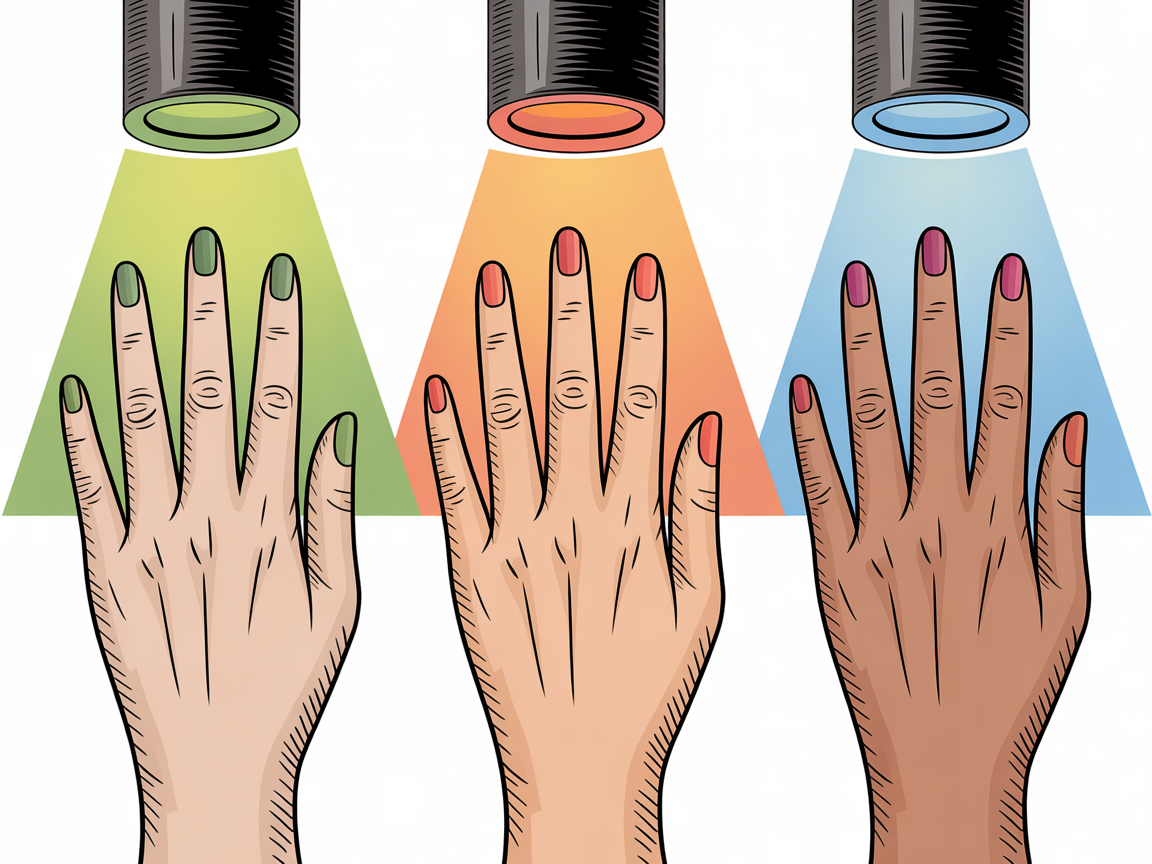
Lighting changes perceived color drastically. Natural daylight gives the most reliable reading; warm indoor bulbs can shift tones toward orange, and fluorescent light can wash out saturation. AI compensates by estimating the light temperature and adjusting colors in the preview.
Tips AI uses to normalize lighting:
- Check for white-balance cues in the photo.
- Use a neutral reference (like a white card) to help calibration.
- If unavailable, AI estimates color temperature and applies corrective transforms.
Many AI tools include lighting presets to preview how the same shade looks under daylight, office light, or evening bulbs. This multi-light preview improves confidence in any nail color matching decision.
Phototaking Best Practices for Accurate Previews
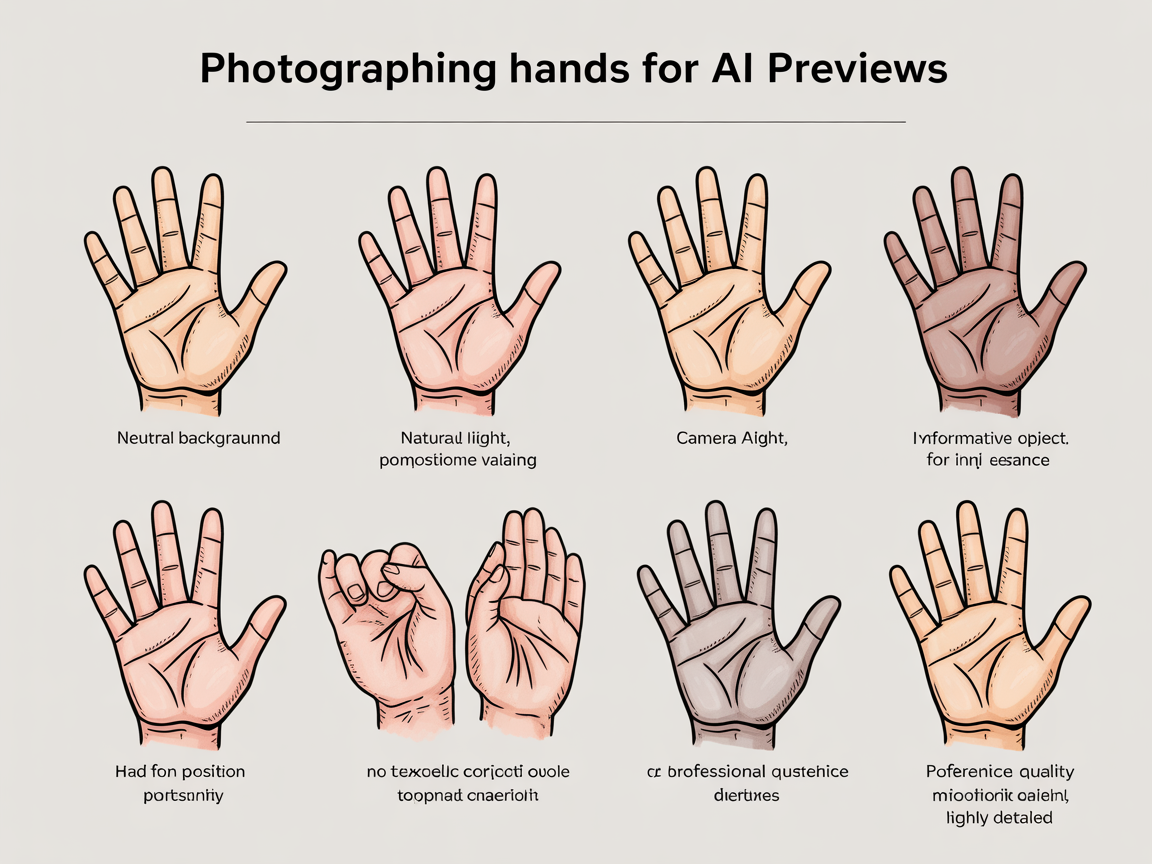
Good photos make nail color matching far more accurate. Follow these practical steps when photographing your hands for AI analysis:
- Use natural, indirect daylight when possible.
- Place hand on a neutral background (gray or beige).
- Keep camera steady and shoot at a 45-degree angle to avoid glare.
- Include a common reference (coin or white card) for scale and tone.
Small adjustments—like removing rings or moisturizing cuticles—help AI detect true nail and skin tones. For best results:
- Shoot multiple photos from slightly different angles.
- Take close-ups and full-hand shots so AI can sample varied skin areas.
- Avoid heavy filters or beauty modes that alter color balance.
When you upload photos for nail color matching, include at least two shots: one for tone sampling and one for a close-up of the nails.
Matching Shades to Skin Tone and Occasion
Once the AI determines undertone and lighting, it proposes shade families and specific finishes. Recommendations usually include several options for each occasion:
- Everyday/work: muted neutrals, soft mauves, and sheer finishes for versatility.
- Formal events: classic reds and deep berries that complement most undertones.
- Vacation or bold looks: bright corals, turquoise, or metallics for contrast and fun.
The model suggests contrasts that flatter your skin: cooler skin tones often suit blue-based reds and fuchsias, while warmer tones glow in peach, terracotta, and warm nude shades.
Examples of pairing by undertone:
- Warm undertone: try warm nude with gold shimmer for weddings or special events.
- Cool undertone: pair a cool red with silver jewelry for a cohesive look.
- Neutral: a versatile rose or dusty mauve can bridge both warm and cool wardrobes.
AI-generated suggestions can also be tailored by occasion. You might receive a daytime-appropriate set of low-gloss shades and a bolder evening selection in one session.
Here are sample color cues often recommended by AI for quick reference:
- Warm: #C6865D (warm nude), #E07A5F (coral), #A03B2B (terracotta)
- Cool: #B565A7 (mauve), #C92A2A (blue-red), #6A8FB0 (dusty blue)
- Neutral: #D6A6A1 (rosy nude), #9E6F9F (dusty rose)
These examples illustrate how the tool correlates hue families to undertones to assist in nail color matching.
Customizing AI Recommendations
AI-driven tools let you fine-tune results. Common customization features include:
- Adjusting saturation and brightness to simulate finishes (matte, gloss, shimmer).
- Trying different opacities to preview sheer vs. full-coverage formulas.
- Swapping base colors while keeping undertone-adjusted enhancements.
You can also lock in certain preferences—like “no neons” or “matte finish only”—so future nail color matching sessions prioritize those choices.
For professionals and enthusiasts, some platforms allow color code export. You can share hex or RGB values with your nail artist or use them to order exact shades online.
Testing Virtual Swatches and Trying Before You Buy
Virtual swatches reduce uncertainty. A/B test different hues side-by-side to compare contrast. When using AI previews, keep these checks in mind:
- Compare swatches under multiple lighting presets in the app.
- Use a zoomed-in view to inspect edge blending and opacity.
- Save comparisons for later review and to share with nail artists.
If you’re shopping, check the product page for similar swatches or linked salon formulas. Use the AI’s swatch export or color-match tool to find nearest available brands and finishes.
Practical testing routine:
- Upload clear hand photos under natural light.
- Run initial nail color matching session to get base recommendations.
- Use lighting presets to review shade behavior across environments.
- Save two or three favorites and compare A/B before deciding.
When you compare, notice how hue shifts affect perceived contrast with your skin. A slightly desaturated color may read as elegant and professional, while a saturated hue reads bolder and more playful.
Troubleshooting Common Issues
Even with sophisticated AI, mismatches happen. Here are fast fixes:
- Photo too warm/cool: retake in natural light or include a white card.
- Nails with heavy staining or polish remnants: clean nails and reshoot.
- Unclear skin samples (tattoos or heavy veins): sample multiple areas and let AI average results.
If recommendations feel off, try an alternate photo or adjust the app’s lighting slider to refine previews. You can also clear the cache or re-upload higher-resolution images if the system struggles.
Common pitfalls when using nail color matching tools include compressed images that lose color fidelity, phone cases that cast a tint, and overexposed photos that flatten saturation. Address these quickly and retest.
Integrations and Further Inspiration
AI nail color matching works well with trend boards and idea galleries. For design inspiration and styles that pair well with matched shades, explore curated collections like easy nail ideas, ombre inspirations, and vacation looks.
- Easy nail ideas: https://naildesignerai.com/nail-ideas/easy-nail-ideas
- Ombre nail ideas: https://naildesignerai.com/nail-ideas/ombre-nail-ideas
- Vacation nail ideas: https://naildesignerai.com/nail-ideas/vacation-nail-ideas
- French-tip nail ideas: https://naildesignerai.com/blog/french-tip-nail-ideas
You can access personalized previews by visiting /auth/register and uploading a hand photo.
Conclusion
AI nail color matching makes selecting flattering polish shades faster and more reliable by analyzing undertone, lighting, and occasion. With careful photos and a few customization tweaks, virtual previews can closely mirror real-life results—helping you pick colors that truly complement your skin tone.