
AI Nail Color Matching: Find Your Perfect Shade Fast
Nail color matching just got faster and smarter. In this practical guide, you’ll learn how AI recommends nail polish shades by analyzing skin tone, undertone, outfit, and occasion, plus tips for virtual testing and saving favorites. Whether you want a reliable everyday shade or a bold color for a special event, AI nail color matching helps narrow options and speed up decisions.
How AI analyzes skin tone and undertone
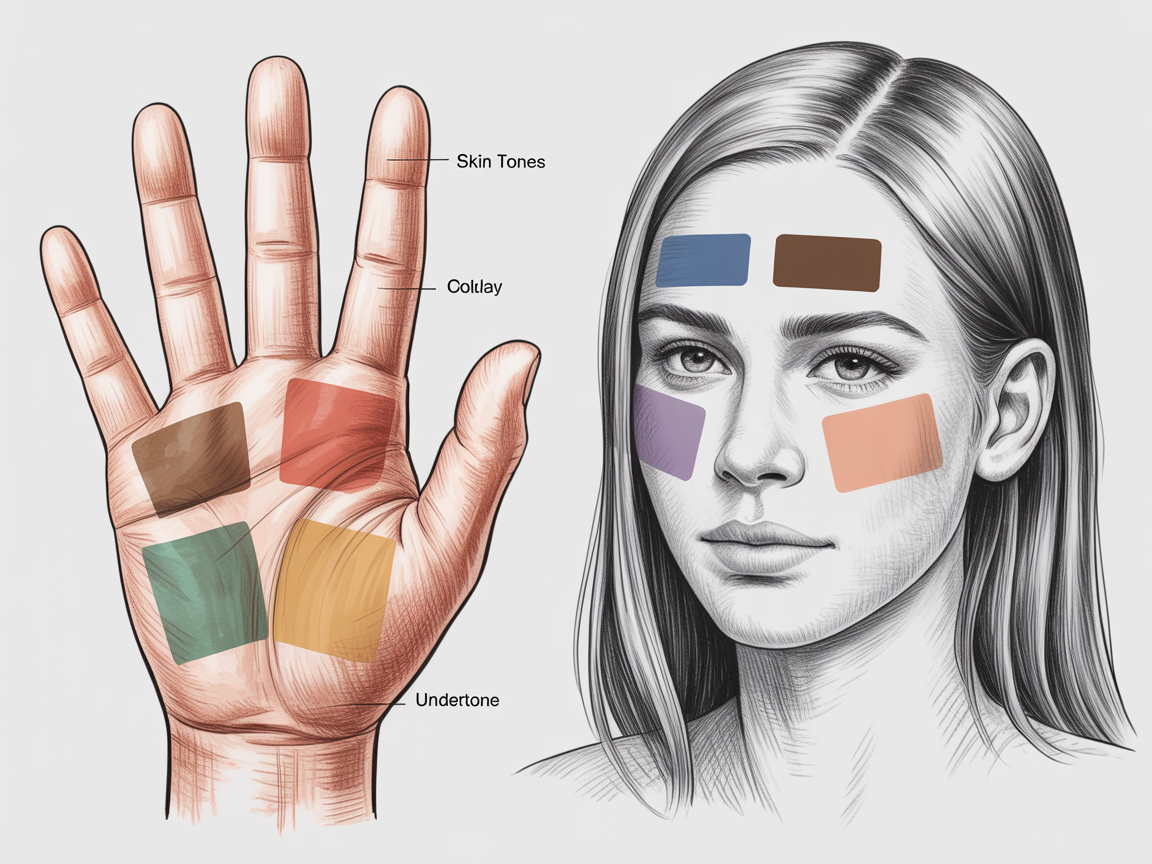
Understanding skin tone and undertone is the backbone of accurate nail color matching. AI models examine a clear photo of your hands and detect skin color ranges, lighting conditions, and underlying hues.
AI systems often separate surface tone from undertone. Skin tone is the visible color from light reflectance, while undertone refers to warm, cool, or neutral hues beneath the surface. Nail color matching algorithms use a mix of color science and large image datasets to predict which shades will complement both elements.
Key signals AI looks for:
- Skin depth and contrast (how nails appear against fingers)
- Undertone indicators (vein color, jewelry compatibility)
- Local lighting and white balance to correct color bias
These checks let AI propose shades that look true in person and in photos. This reduces the guesswork compared to picking by memory or swatches alone.
Why undertone matters
Undertone affects how a shade reads next to your skin. A cool undertone can make warm corals appear jarring, while a warm undertone can bring depth to bronze and gold-based shades. AI nail color matching identifies your undertone and narrows down palettes that harmonize rather than clash.
Step-by-step: Using Nail Designer AI for personalized shade suggestions
Start with a clear photo and a short style brief. Nail Designer AI uses simple inputs to deliver tailored shade suggestions quickly.
Steps for fast, reliable nail color matching with Nail Designer AI:
- Upload a clear, well-lit photo of one hand. Aim for natural daylight and minimal shadows.
- Choose your preferred finish (cream, shimmer, metallic, matte) and any color families you like.
- Add context: outfit colors, event type, or a mood (e.g., “office professional” or “summer vacation”).
- Let the AI analyze and generate curated shade swatches ranked for best fit.
- Try top candidates virtually with the try-on tool and save favorites.
Nail Designer AI simplifies the flow by merging color science with style preferences. The system considers both objective color matches and subjective style notes to make the best recommendations.
What data the AI evaluates
- Pixel-level color distribution on skin and nails
- Contextual cues from clothing or accessories in the uploaded photo
- User-entered preferences, like preferred brands or finishes
The AI may also return hex or RGB references for precise shade replication, which is handy if you want to find a brand match or re-create a saved look.
Virtual try-on and saving favorites
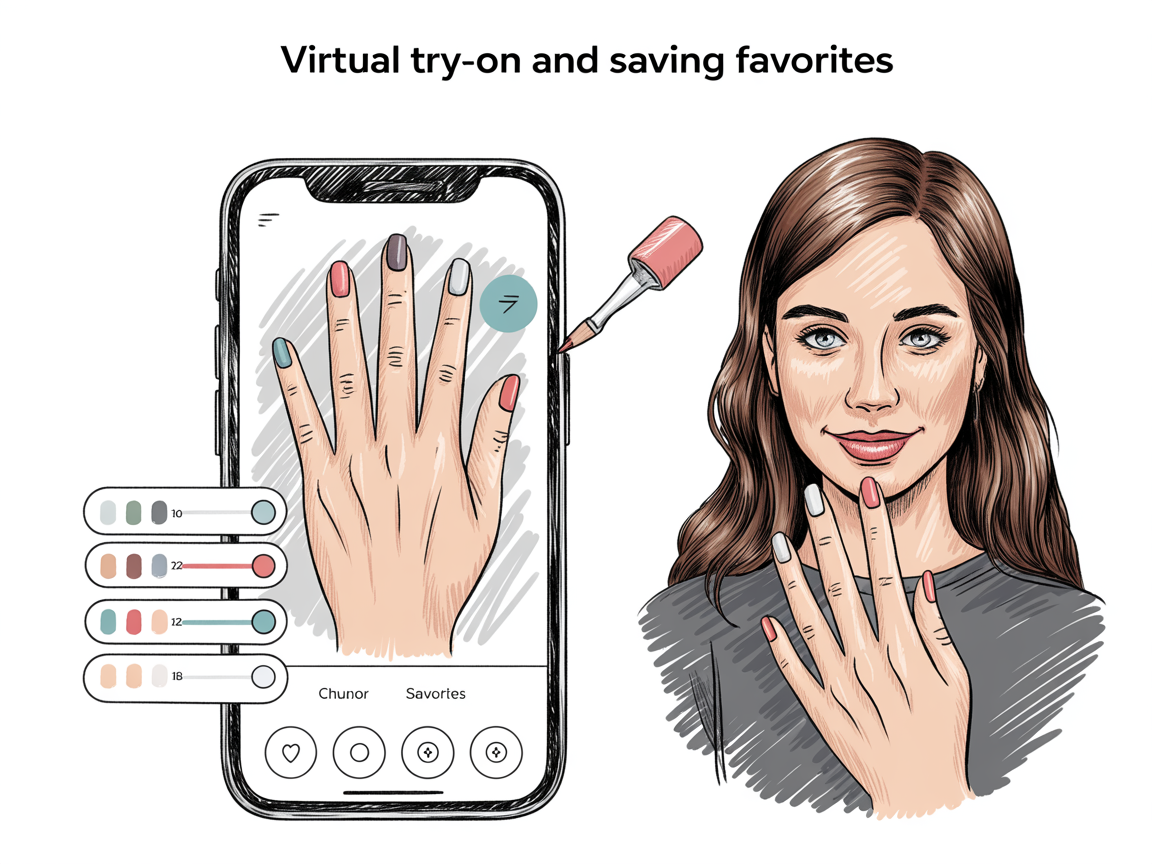
Virtual try-on is where nail color matching becomes truly practical. Once the AI suggests shades, you can preview them directly on a photo of your hand. This solves the biggest practical problem: picking a color that looks different in the bottle than on skin.
Virtual try-on tips:
- Use a high-resolution photo and crop to focus on the nails.
- Select a neutral background and turn off automatic camera filters.
- Try multiple finishes to see how light interaction alters perception.
Saving and organizing favorites helps you build a personal palette. Nail Designer AI lets you tag favorites by season, occasion, or outfit, making it easy to return to shades that worked well before. You can add notes like brand and formula, store swatch codes, and group shades into folders for quick access.
Workflow for saving favorites:
- Tap the heart or save icon on a shade card.
- Add tags such as “wedding,” “daily neutral,” or “summer.”
- Save a short note: e.g., “applies well with warm undertones, lasts 5+ days.”
This system turns one-off experiments into a curated catalog you can use repeatedly.
Matching shades to outfits and occasions
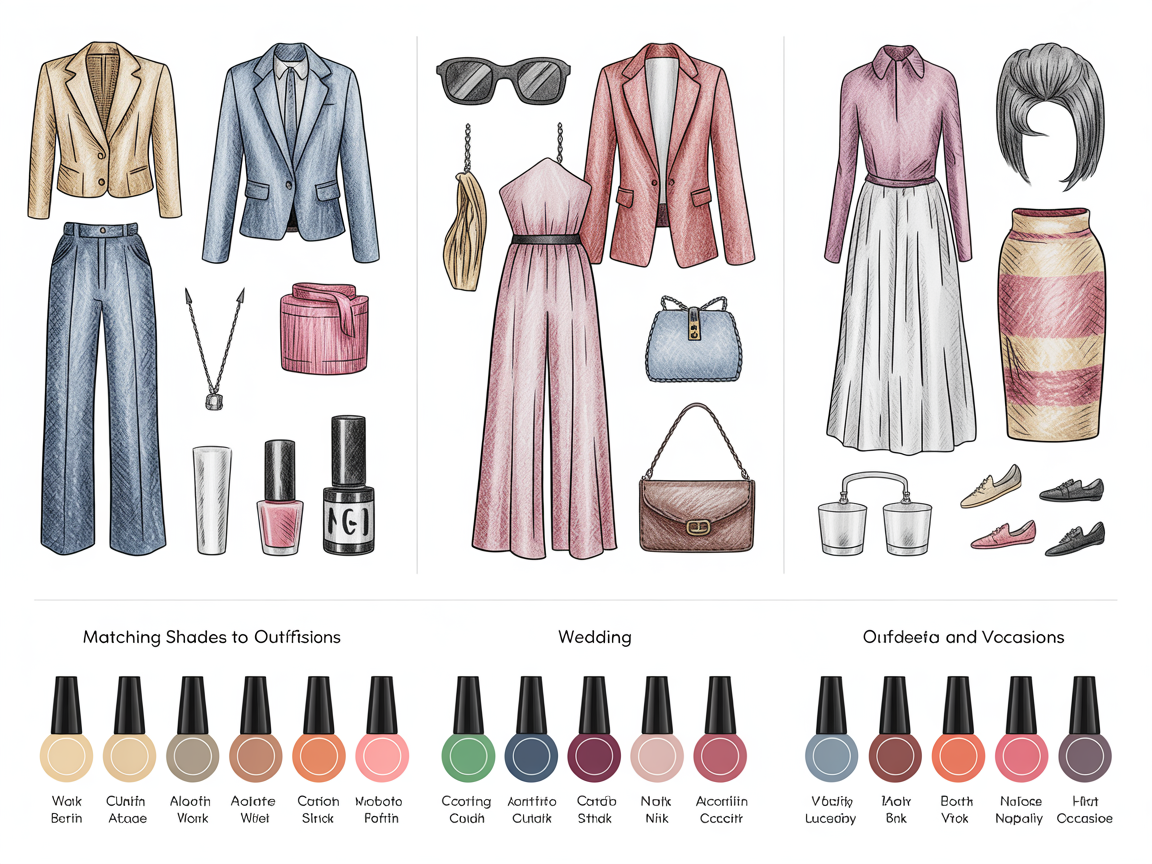
One of the best uses of nail color matching is coordinating nails with what you wear. AI can assess the color palette of an outfit photo and recommend complementary or contrasting nail colors depending on the occasion.
How AI interprets outfits and events:
- Work and professional settings: favor muted or neutral shades that match skin undertone and minimize distraction.
- Weddings and formal events: suggest classic neutrals, soft pinks, or subtle shimmers that photograph well.
- Vacations and parties: recommend bold or seasonal shades with high contrast.
Examples:
- A navy dress with gold accessories — AI might recommend warm burgundy or a deep mauve for elegant contrast.
- Light pastel summer outfit — soft corals or sheer pinks enhance a fresh vibe.
- Beach vacation — bright turquoise accent on one or two nails paired with sandy neutrals.
For curated looks and seasonal guidance, browse style collections and inspiration galleries like spring nail designs and vacation nail ideas: https://naildesignerai.com/nail-designs/spring-nail-designs and https://naildesignerai.com/nail-ideas/vacation-nail-ideas.
Tips for best results with AI nail color matching
Short practical practices will improve recommendations and make your saved palette more reliable.
Photo and lighting tips:
- Shoot in natural light near a window, avoiding direct sun that causes harsh shadows.
- Remove heavy jewelry or bracelets that change perceived skin tone.
- Use the same camera settings if you plan to compare multiple photos.
Style and selection tips:
- Start with a mood: classic, edgy, romantic, or minimal.
- Pick one or two anchor shades and let the AI suggest complements or accents.
- Save a few “go-to” neutrals for days when you want low-effort polish choices.
Brand and formula tips:
- Keep notes on brand and polish codes in the saved entry so you can reorder the exact formula.
- If you prefer long-lasting wear, prioritize gels or formulas in the description before matching.
For additional design ideas that pair well with AI-driven color matches, explore medium-length nail ideas and our broader nail design collections: https://naildesignerai.com/nail-ideas/medium-nail-ideas and https://naildesignerai.com/nail-designs.
Troubleshooting common issues
AI nail color matching is powerful, but you may run into a few common problems. Here’s how to fix them quickly.
If results look off-color:
- Re-shoot the photo with neutral lighting and disable any phone filters.
- Use the white-balance or lighting correction tool before running a match.
If the AI suggests too many similar shades:
- Add a style note specifying contrast, e.g., “I want something bright” or “I prefer muted tones.”
- Ask for variety: request one bold, one neutral, and one seasonal pick.
If matches don’t hold up in person:
- Verify the polish formula and finish; metallics and shimmers can appear different under store lights.
- Make a quick comparison swatch on a nail wheel or a single nail before committing.
Privacy and photo handling
AI nail color matching requires photos, and it’s reasonable to be mindful of privacy. Nail Designer AI typically processes images to extract color data and does not publish personal photos without your consent. If you prefer, use a single-hand photo with a neutral background and opt out of sharing features where available.
Conclusion
AI nail color matching combines color science, style context, and virtual try-on to make finding your perfect shade fast and reliable. By providing a clear photo, noting your outfit or occasion, and saving favorites, you create a personalized palette that reflects your lifestyle and tastes. Use Nail Designer AI’s step-by-step workflow to analyze skin tone, test shades virtually, and organize saved colors for future looks. With consistent photos and a few saved go-to shades, nail color matching moves from guesswork to a simple, enjoyable part of your routine.